
What is MFA/2 Factor Authentication?
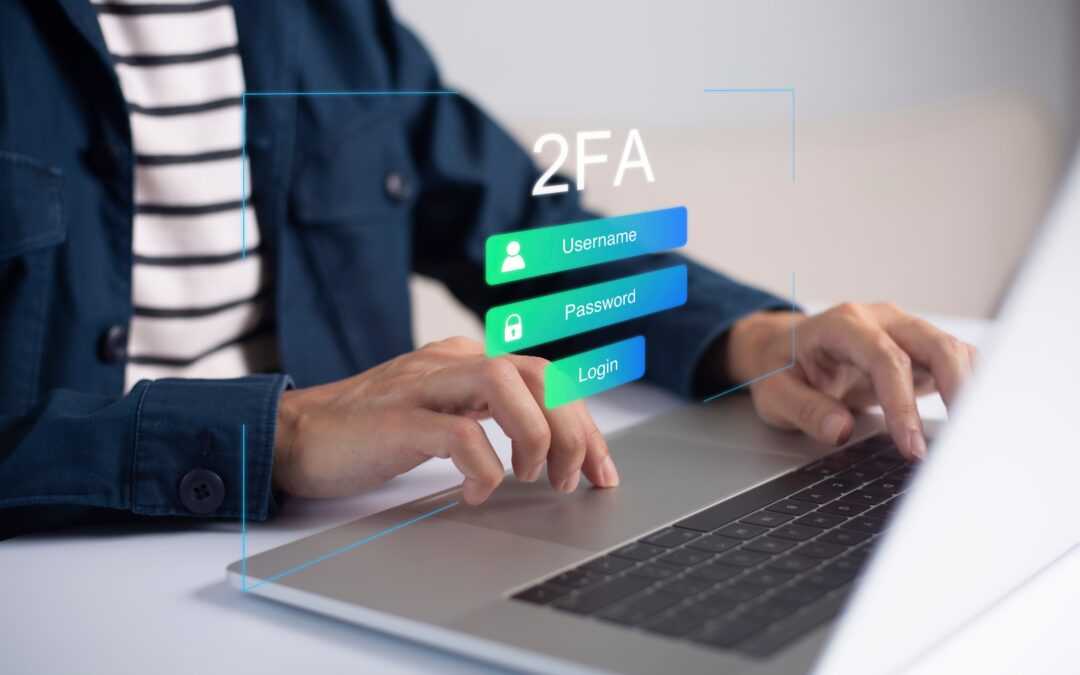
MFA stands for Multi-Factor Authentication. What you might ask now is “What Multi-Factor Authentication?” To login into any website/web app, you typically use a UserName and a Password. MFA is one or more forms of authentication that are different than your username and password. For example, when you log into your bank you might put in your username and password, and then your bank might text you a code to put in as well before you can log in. That is MFA in action protecting your accounts. What makes that text different than your password? See the different types of MFA below to find out.
Three Types of MFA Authentication Methods
Most MFA authentication methodology is based on one of three types of additional information:
- Things you know (knowledge), such as a Username, password, or PIN
- Things you have (possession), such as a rotating code or text on your smartphone
- Things you are (inherence), such as a biometric like fingerprints or voice recognition
Why Do You Need MFA?
To put it simply providing an extra barrier and layer of security makes it incredibly difficult for attackers to get into your accounts. According to Microsoft, Google and SANS Software Security Institute MFA can block over 99.9 percent of automated aka bot attacks.
How can MFA block over 99.9 percent of automated aka bot attacks?
Well, most accounts you may have currently use Single Factor Authentication. Single Factor Authentication is just your username and password. If a malicious actor gets a hold of that UserName and Password they can take over your account and wreak havoc. If you have MFA enabled and set up and a malicious actor gets your UserName and Password “Things you Know” they will be presented with an MFA prompt for “Something You Have” such as a code on your phone. This extra barrier and layer of security makes it incredibly difficult for attackers to continue. While it is true that nothing can keep you 100% secure but MFA makes hacking you A LOT harder.