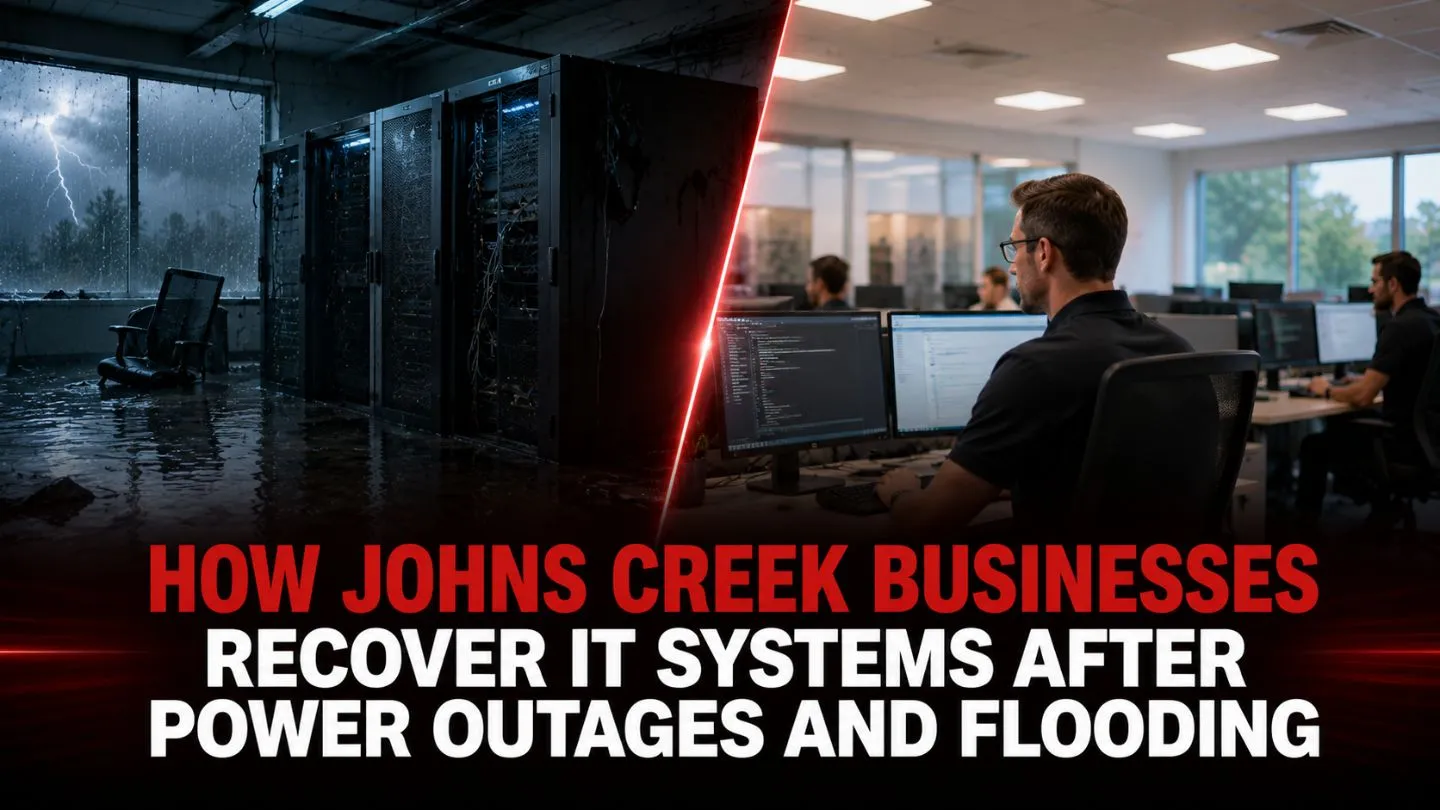
When Hurricane Helene moved through Georgia in September 2024, Georgia Power reported 1.5 million total customer outages, more than 11,800 power poles repaired or replaced, and roughly 1,500 miles of power lines restored. Johns Creek businesses, from healthcare practices to financial firms, were reminded how quickly power outages, heavy rain, and localized flooding can interrupt access to servers, networks, phones, and cloud-connected applications. Understanding how Johns Creek businesses recover IT systems after power outages and flooding is no longer a theoretical exercise; it is an operational necessity for every company in the area.
This blog walks through the full recovery arc: the critical first hours after an incident, the systematic process of restoring IT infrastructure, the common mistakes that turn a bad situation into a catastrophic one, and the long-term disaster recovery planning that keeps your business running smoothly when the next storm hits.
Key Takeaways
- Safety first, always. A thorough safety assessment must precede any IT equipment inspection or recovery effort-electrical hazards in flooded spaces can be lethal.
- Document everything immediately. Detailed photos, serial numbers, and water-level records accelerate insurance claims and guide restoration planning.
- Cloud-based backups are your lifeline. Businesses use cloud-based backups to prevent data loss from flooding, ensuring critical data remains accessible even when on-premises hardware is destroyed.
- Professional IT assessment prevents compounding damage. Powering on water-damaged systems without expert guidance can cause permanent, irreversible failure.
- Proactive preparedness pays for itself. Small businesses face costs of $8,000 to $25,000 per hour of downtime-investing in a disaster recovery plan before an incident is dramatically cheaper than recovering without one.
Immediate Response Steps for IT System Recovery
The first 24–48 hours after power outages and flooding determine whether your IT recovery takes days or months. Many businesses make the mistake of rushing to “get things back online” without following a deliberate sequence. That urgency, while understandable, often creates more damage than the original event.
Before touching a single server or switch, your top priority is human safety. Do not enter any server room or electrical area with visible standing water while circuits may still be energized. Shut off power at the main breaker. Coordinate with Georgia Power-their outage map provides real-time restoration estimates, and mutual assistance networks help utility providers mobilize crews for rapid repair during major incidents. Smart Grid Technology allows utility providers to analyze and repair infrastructure faults more efficiently, but you still need a licensed electrician to verify your building’s electrical systems before re-energizing anything.
Once power restoration is confirmed safe, the clock starts on environmental remediation. Local restoration companies emphasize immediate water extraction to minimize damage-mold can begin developing within 24–72 hours. In Johns Creek, IICRC-certified firms offer 24-hour emergency response for water extraction, dehumidification, and mold prevention. This environmental work must happen before IT recovery can begin in earnest.
Once power restoration is confirmed safe, the clock starts on environmental remediation. Water extraction and drying should begin as quickly as possible because mold can begin developing within 24–72 hours after moisture exposure. Johns Creek businesses should work with qualified, IICRC-certified restoration providers that serve North Fulton for emergency water extraction, dehumidification, and mold prevention. This environmental work must happen before IT recovery can begin in earnest.
Simultaneously, engage your managed IT services provider. A qualified partner with local presence in Johns Creek can deploy technicians quickly, assess the scope of IT damage, and begin executing disaster recovery procedures while your facility is being dried and stabilized.
Safety Assessment and Damage Documentation
A systematic safety assessment follows a clear sequence:
- Confirm power is disconnected at the building level-not just at individual devices.
- Use moisture-sensing and thermal detection tools to identify hidden wet wiring, damp insulation, or energized circuits that aren’t visually obvious.
- Bring in a structural inspector if flooding was significant-water can compromise raised floors, ceiling supports, and cable trays in server rooms.
- Verify grounding and surge suppression integrity before any equipment is powered.
Documentation should begin the moment it is safe to enter the affected area. Use high-resolution photos and video to capture:
- Wide-angle shots of the entire affected space
- Close-ups of water lines on walls, racks, and equipment chassis
- Serial numbers, asset tags, and model numbers on every piece of damaged hardware
- The condition of UPS units, PDUs, generators, and HVAC systems
Maintain a detailed inventory of all affected IT assets-servers, networking equipment, workstations, power gear, and peripherals. This inventory is essential for insurance adjusters and will form the foundation of your recovery plan. Contact your insurer early to schedule adjuster inspections, and retain every document, receipt, and estimate. Poor documentation or delayed claims are among the most common reasons insurance claims for IT equipment are denied or significantly reduced.
Read More: Managed Security Services vs. Cyber Insurance: How They Work Together
Restoring Critical IT Infrastructure

Recovering IT systems after a flood or extended outage is not a single action-it is a layered, sequential process that must respect dependencies between systems. Attempting to bring everything back at once almost always causes problems.
Servers and data center infrastructure require the most careful handling. Any server that has been in contact with floodwater should not be powered on. Attempting to boot water-soaked hardware can cause short circuits that spread damage to components that might otherwise have been salvageable. Circuit boards must be inspected by professionals; metal components should be checked for corrosion. In most cases, backup images are restored to replacement hardware following flood damage rather than attempting to resurrect the original equipment.
For physical server rooms, verify raised floor integrity, HVAC function, and humidity control before bringing any hardware online. Infrastructure hardening involves raising electrical components above flood levels-a lesson many Johns Creek companies learned the hard way. Flood protection measures include locating servers above ground level, installing containment trays, and ensuring proper drainage around the building.
Electrical supply and backup power form the foundation of recovery. Companies deploy uninterrupted power supplies for safe system shutdowns during outages, but UPS batteries themselves may be water-damaged and must be tested before relying on them. Regular maintenance of generators is critical for sustained operations during power outages-fuel levels, mechanical condition, transfer switch function, and load testing all need verification. Load shedding plans prioritize energy for essential servers during outages, ensuring that limited generator capacity goes to the systems that matter most.
Network infrastructure recovery involves replacing or professionally cleaning switches, routers, and firewalls. If networking gear shows metal corrosion or internal moisture, replacement is safer and more reliable than repair. Verify that external connectivity-ISP links, fiber lines, conduit-hasn’t been compromised by flooding or downed power lines.
Data recovery is where preparation pays its greatest dividend. If your organization maintains cloud-based backups and offsite replication, restoration can begin immediately on clean hardware. Automated backup solutions create continuous copies of sensitive data, meaning your Recovery Point Objective (RPO)-the maximum acceptable age of recovered data-can be measured in minutes rather than days. Restore in stages: critical systems first (email, financial applications, communication platforms), then secondary systems. Test every restored system in a segregated network environment before connecting it to production to ensure malware or corruption haven’t been introduced.
Emergency IT equipment replacement is often contracted with regional IT vendors who maintain stock for rapid deployment. Managed IT service providers offer 24/7 infrastructure monitoring and backup services, which means they can begin failover procedures immediately-often before your staff even arrives on site.
Preparing for remote work is essential when physical offices become inaccessible. Cloud services and virtualization technologies allow employees to access critical applications and sensitive information from home, maintaining employee productivity and customer trust during the recovery period. Remote work capabilities built into your IT environment before a disaster become a powerful business continuity tool during one.
Long-Term IT Recovery and Business Continuity Planning
Recovering from a single incident is necessary. Building resilience against future incidents is what separates Johns Creek businesses that recover quickly from those that struggle through prolonged disruption. Extended downtime can lead to lost revenue, missed deadlines, frustrated customers, compliance exposure, and reputational damage, especially for organizations that depend on reliable access to systems and data.
Developing a Comprehensive Disaster Recovery Plan
Every business needs a documented disaster recovery plan that specifies:
- Roles and responsibilities for every team member during an incident
- Contact lists for IT providers, insurance agents, restoration companies, and utility providers
- RTO and RPO for each critical system (healthcare practices often require recovery time objectives under four hours)
- Backup locations and failover procedures
- Communication protocols for employees, customers, and vendors
Effective business continuity planning requires documenting critical processes and priorities-not just IT systems, but the business workflows they support. Your disaster recovery plan should align with your broader business continuity strategy and reflect your unique needs as an organization.
Cloud Migration and Scalable Solutions
Migrating servers and applications to cloud services reduces dependence on local infrastructure, making IT systems more resilient to localized flooding and power outages. Geographic redundancy built into cloud platforms means your data and applications remain accessible even when your physical office is not.
Backups should follow the 3-2-1 rule: at least three copies of your data, stored on two different media types, with one copy offsite. For data-intensive sectors like healthcare and finance-which represent 20–30% of Johns Creek’s approximately 2,700 businesses-continuous replication is essential for maintaining compliance with regulations like HIPAA and PCI-DSS. Automated backup solutions create continuous copies of sensitive business information, protecting against not just natural disasters but also ransomware attacks and accidental deletions.
The threat landscape reinforces this urgency: ThreatDown reported that known ransomware attacks increased 25% year over year from July 2024 to June 2025, with the United States remaining the most targeted country. For Johns Creek and Atlanta-area businesses, that means disaster recovery planning must account for cyber incidents as well as storms, outages, and flooding. Effective cybersecurity measures include end-to-end encryption and multi-factor authentication, layered on top of robust backup and recovery capabilities. Strong cybersecurity protocols and cybersecurity management are not separate from disaster recovery; they are integral to it.
Infrastructure Hardening and Proactive Monitoring
Physical resilience measures protect against the next event:
- Elevate server rooms and critical equipment above historical flood levels
- Install flood barriers, floor drains, and waterproof flooring in data rooms
- Raise power outlets and install containment trays beneath equipment racks
- Use environmental sensors (humidity, moisture, temperature) tied to remote monitoring and alerting systems
- Businesses in Johns Creek focus on maintaining drainage infrastructure to mitigate flooding risks
Proactive monitoring through managed IT services helps minimize downtime by detecting anomalies such as temperature spikes, humidity changes, power fluctuations, backup failures, and connectivity issues before they become system failures. For Johns Creek businesses, this kind of monitoring can support faster response, cleaner recovery, and better continuity during severe weather or equipment failures.
Testing, Training, and Keeping Plans Up to Date
A disaster recovery plan that hasn’t been tested is a hypothesis, not a plan. Regular testing of failover procedures ensures disaster recovery plans work effectively. Simulate outages and flooding scenarios periodically, cut power to test generator failover, verify backup restoration to clean hardware, and confirm that remote work access functions under realistic conditions.
Ensure staff know evacuation protocols, safety procedures, and how to access backup systems and credentials. Update your inventory and configuration documentation as hardware and software changes-an outdated plan can be worse than no plan at all.
The Financial Case for Preparedness
The cost-benefit analysis is straightforward. Small businesses face $8,000 to $25,000 per hour in downtime costs. Multiply that by the days or weeks of extended downtime an unprepared business faces, and add the cost of replacing damaged hardware, the financial impact of lost revenue, the reputational damage from service interruptions, and potential regulatory penalties. Compare that total to the predictable monthly cost of managed IT services, cloud solutions, and infrastructure improvements.
Managed IT services give small and mid-sized businesses access to certified IT professionals and technical expertise they may not be able to maintain in-house. For manufacturers and other operations-heavy businesses, managed IT services for manufacturers can also help improve operational resilience, protect production systems, and reduce costly downtime across critical environments. Predictable monthly service fees help turn disaster recovery from a catastrophic unplanned expense into a manageable operational cost, while proactive support helps keep normal operations running and provides expert guidance when recovery is needed.
Read More: Benefits of Disaster Recovery as a Service from an IT Services Provider
Build a More Resilient IT Environment

Power outages and flooding can disrupt business operations, but the right IT recovery strategy helps minimize downtime and protect critical data. With proactive planning, secure backups, disaster recovery solutions, and ongoing monitoring, businesses can recover faster, maintain continuity, and strengthen resilience against future unexpected disruptions.
For dependable managed IT services in Johns Creek, IntegriCom provides strategic IT support, disaster recovery planning, and proactive technology management to keep your business prepared for unexpected events. Serving businesses with managed IT services in Atlanta as well as Alpharetta, Peachtree Corners, Flowery Branch, and surrounding communities, we deliver proactive technology solutions tailored to evolving business needs. Contact us today to learn how we can help safeguard your systems, reduce downtime, and build a more resilient IT environment.
Frequently Asked Questions
Can water-damaged servers and networking equipment be salvaged?
In some cases, yes, but only with professional assessment. Hardware that has been submerged in floodwater should never be powered on without thorough inspection, cleaning, and testing by qualified technicians. Corrosion, mineral deposits, and hidden moisture can cause short circuits that destroy recoverable components. Often, it is more cost-effective and reliable to restore backup images to replacement hardware rather than attempting to rehabilitate flood-damaged systems.
What should Johns Creek businesses do if their backup systems were also affected by flooding?
This scenario underscores why offsite and cloud-based backups are essential. If on-premises backups were damaged, do not attempt to access or power on affected storage media-contact a professional data recovery service immediately. To prevent this situation, follow the 3-2-1 backup rule: three copies, two media types, one offsite. Automated backup solutions create continuous copies of sensitive data to geographically distant locations, ensuring that a local flood cannot destroy both your primary systems and your recovery path.
How can managed IT services help prevent extended downtime during power outages?
Managed IT service providers offer 24/7 infrastructure monitoring and backup services that detect issues in real time and initiate failover procedures automatically or within minutes. They maintain tested disaster recovery procedures, provide access to certified IT professionals, and can deploy replacement hardware and cloud-based recovery environments rapidly. Proactive monitoring catches warning signs-power fluctuations, temperature changes, connectivity issues-before they cause costly downtime, helping minimize disruptions and keep your business running smoothly.
How often should disaster recovery plans be tested and updated?
At minimum, test your disaster recovery plan annually, but quarterly testing is the standard for data-intensive industries like healthcare and finance. Regular testing of failover procedures ensures disaster recovery plans work effectively when you actually need them. Update your plan whenever you add or change hardware, software, cloud services, or key personnel. Since 66–80% of downtime incidents trace back to human error, training staff on their roles within the emergency plan is just as important as testing the technology itself. Keep all documentation, contact lists, and procedures up to date and accessible from outside your primary office location.