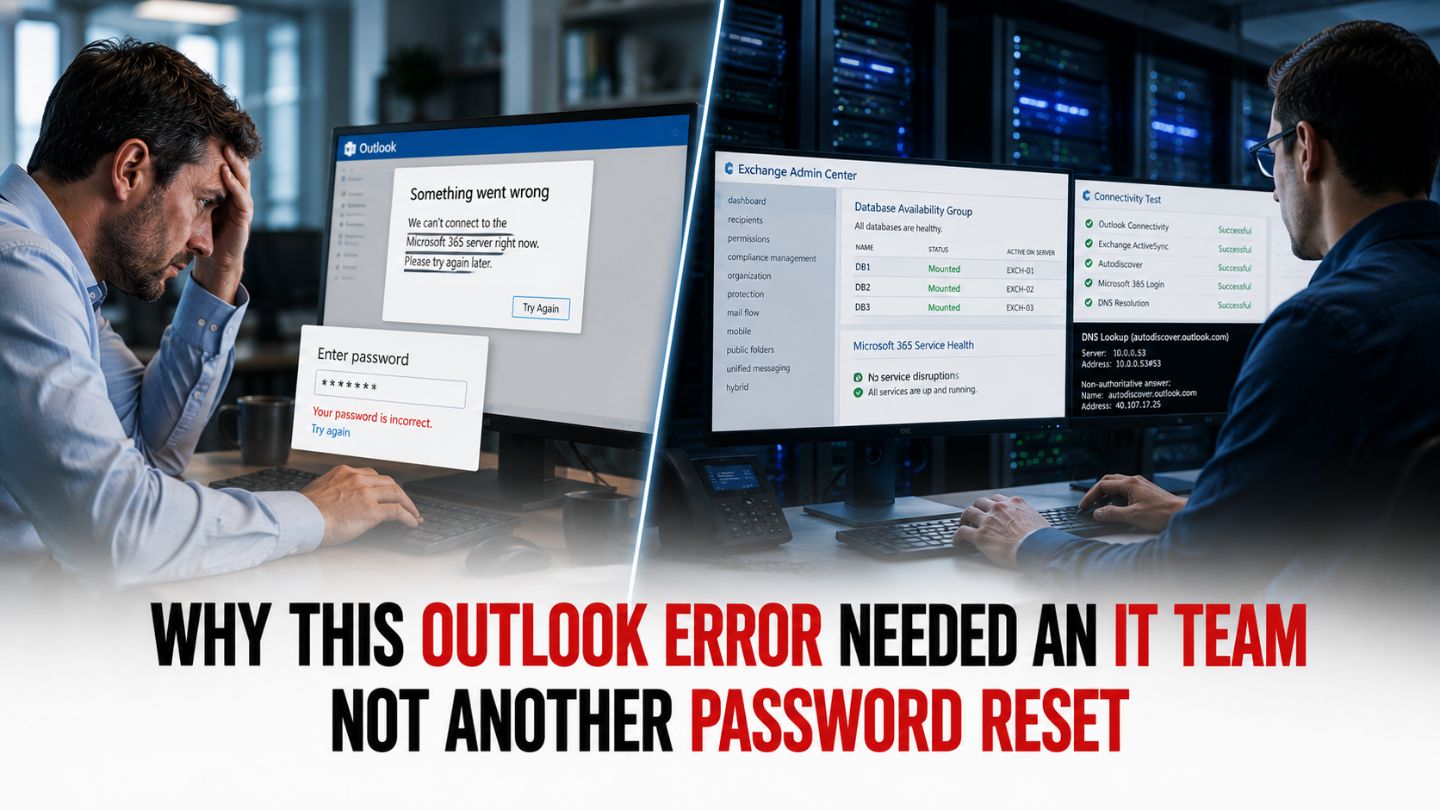
For many employees, Microsoft Outlook is the center of daily business communication. When Outlook suddenly stops working, the first instinct is often to reset a password, restart the application, or sign out and back in. Those quick fixes can help with simple login problems, but they do not resolve every Outlook access error. In many Microsoft 365 environments, the real cause may involve authentication, cached credentials, device settings, or security policies rather than a forgotten password.
One business user recently experienced this firsthand after being prompted to reset a Microsoft password and reconfigure Outlook; a series of access-denied messages prevented normal email use. What appeared to be a simple login issue quickly became a more complicated technical problem. Fortunately, the team at IntegriCom identified the root cause and restored full functionality in minutes.
This experience highlights why this Outlook error required an IT team, not a password reset, and serves as an important reminder for business owners and employees who rely on Microsoft 365 every day. Modern software environments are highly interconnected, so an Outlook login problem can sometimes point to a deeper issue involving authentication, device configuration, or security controls.
When Outlook Problems Look Simpler Than They Really Are
Microsoft Outlook has evolved significantly over the years. Today’s versions integrate with Microsoft 365, Microsoft Entra ID authentication, cloud-based security controls, device compliance policies, and organizational access settings. Because so many systems work together behind the scenes, a single disruption can trigger a variety of confusing symptoms that look like a basic password problem.
Users often encounter:
- Password prompts that repeatedly appear
- Access-denied messages
- Authentication failures
- Missing email accounts
- Synchronization issues
- Unexpected login requests
- Profile configuration errors
At first glance, these symptoms often point toward a password problem. However, resetting credentials may only address one piece of a much larger issue.
Organizations can lose valuable productivity when employees spend too much time attempting self-service troubleshooting before involving experienced IT professionals. The challenge is that Outlook errors can be caused by several overlapping factors that are invisible to the end user, including cached credentials, damaged profiles, authentication token issues, and device-level configuration conflicts.
Read More: KB: Using Shared Mailboxes for Different Use Cases
The Customer Experience
The following customer review shows how a seemingly simple Outlook login issue turned into a technical problem that required expert intervention. It also provides a practical example of why password resets are not always enough when Microsoft 365 access errors continue after the user has already updated their credentials.
Customer Review
https://maps.app.goo.gl/mJ7oqxcq9ZRTVJMJ7
“Have had nothing but great support from IntegriCom since we started working with them.
Most recently, I had an issue with the ‘new’ Microsoft Outlook email. Not sure what happened on my laptop but it made me reset my Microsoft password and set up Outlook again and then I had issues logging in and having ‘denied access’ messages. Luckily IntegriCom found the issue that was basically a conflict in my system causing the denied access. Just took giving them control/access of my laptop and I was back up and operational in 10 minutes. So appreciative of their support and responsiveness.”
This situation demonstrates that the password reset was only addressing a symptom. The actual problem was a system conflict that required professional diagnosis, direct review of the device, and targeted troubleshooting before the access-denied messages could be resolved.
Why Password Resets Are Often the First Step but Not the Final Solution

Password resets are a common early troubleshooting step because they are simple, fast, and can resolve basic credential problems. If a user mistypes a password, recently changed credentials, or has an expired password, resetting the password may restore access. However, when Outlook continues showing access-denied messages after a successful reset, the issue likely exists somewhere else in the Microsoft 365 sign-in process.
While that approach has value, it can sometimes create a false sense of resolution.
Consider what happened in this case:
- Outlook prompted a password reset.
- The user completed the reset process.
- Outlook was configured again.
- Access-denied messages continued.
- The actual issue remained unresolved.
The password reset was successful, but the problem persisted because the root cause existed elsewhere within the system.
This scenario explains why this Outlook issue needed IT support, not another password reset. The underlying conflict was unrelated to whether the user had the correct password; valid credentials alone could not resolve the access problem because the failure was happening elsewhere in the system.
Without proper diagnosis, the user could have continued cycling through resets, consuming valuable work time while accomplishing nothing.
Common Hidden Causes of Outlook Access Errors
Many Outlook-related issues originate from factors that are difficult for non-technical users to identify.
Authentication Token Conflicts
Microsoft environments use authentication tokens to verify user identity. If these tokens become corrupted, expired, or duplicated, Outlook may reject access requests even when passwords are correct.
Users often assume their credentials are wrong when the actual problem involves authentication data stored locally on the device. Situations like these how an outlook access issue was resolved before it disrupted business operations. Identifying the underlying authentication conflict early can help prevent extended downtime and maintain business productivity.
Read More: KB113: Troubleshooting Office 365 Sign-In or Activation Issues
Cached Profile Corruption
Outlook stores profile information to improve performance and streamline login processes. If that profile becomes damaged, the application may behave unpredictably.
Common symptoms include:
- Login loops
- Missing accounts
- Connection failures
- Access-denied messages
Resetting a password rarely repairs a corrupted Outlook profile.
Microsoft Account Synchronization Issues
The modern Outlook platform interacts with multiple Microsoft services at the same time, including Exchange Online, Microsoft 365 identity services, device registration, and cloud synchronization. When those services fall out of sync, Outlook may generate errors that look like credential problems even when the user’s password is valid.
In reality, account permissions may be functioning correctly while synchronization processes are failing behind the scenes.
Device Configuration Conflicts
Operating system settings, security software, cached credentials, and previous account configurations can sometimes interfere with Outlook authentication.
These conflicts are particularly difficult to identify without remote diagnostic tools and technical expertise.
Security Policy Mismatches
Businesses often use security policies to protect organizational data, including multi-factor authentication, conditional access rules, and device compliance requirements. If a device falls out of compliance or no longer meets the organization’s access requirements, Outlook access may be restricted even when the user enters valid credentials.
Again, the visible symptom appears to be a login failure, but the actual issue lies elsewhere.
Why Professional Diagnosis Matters
One of the biggest advantages of working with an experienced IT provider is the ability to distinguish symptoms from causes.
Many users approach troubleshooting with a trial-and-error mindset:
- Reset the password
- Reinstall Outlook
- Restart the computer
- Remove the account
- Add the account again
Sometimes these steps work. Other times, they simply delay the discovery of the real issue.
Professional IT technicians take a different approach. They evaluate:
- Authentication pathways
- Account permissions
- Device configurations
- Microsoft service integrations
- Security settings
- User profiles
- System logs
This structured process allows them to identify root causes quickly and accurately.
In this particular case, the review notes that IntegriCom discovered a conflict within the user’s system that was generating the denied-access messages. Instead of repeatedly attempting temporary fixes, the team investigated the device directly and addressed the source of the problem.
That is precisely why an IT team fixed this Outlook error, not a password reset.
The Cost of Delayed IT Support
Many organizations underestimate the productivity impact of unresolved email issues.
Email remains a primary communication channel for:
- Customer interactions
- Vendor communication
- Internal collaboration
- Project management
- Scheduling
- Document sharing
When Outlook becomes inaccessible, workflows can slow dramatically.
Even a few hours of downtime can result in:
- Missed messages
- Delayed responses
- Interrupted projects
- Reduced productivity
- Increased employee frustration
The review highlights an important outcome: after the user had already gone through a password reset and Outlook setup process, IntegriCom was able to resolve the remaining access issue within approximately 10 minutes after gaining remote access to the laptop.
Quick resolution often depends on involving experts early rather than spending hours pursuing ineffective troubleshooting methods.
Read More: KB: Why Reliable IT Support Is Critical for Business Continuity
Remote IT Support Makes Resolution Faster
Modern IT support has evolved significantly. In many situations, technicians no longer need to visit a physical location to diagnose and resolve issues. For businesses in Atlanta, Suwanee, and the surrounding area, secure remote support can reduce delays by allowing an experienced technician to investigate the problem directly without waiting for an onsite appointment.
Secure remote access allows experienced professionals to:
- View system settings
- Examine account configurations
- Review authentication processes
- Identify software conflicts
- Apply corrections immediately
For users, this means less downtime and faster recovery.
The customer in this review provided access to the device, allowing the IntegriCom team to investigate the Outlook issue directly. Once the system conflict was identified and corrected, normal Outlook functionality was restored quickly.
Remote support eliminates much of the delay traditionally associated with technical troubleshooting and helps organizations maintain operational continuity.
Recognizing When an Outlook Issue Requires Expert Help

Not every Outlook problem requires professional intervention. However, certain warning signs suggest that a deeper issue may be present.
Consider contacting IT support when:
Password Resets Do Not Resolve the Problem
If Outlook continues displaying errors after a successful password change, the issue likely extends beyond authentication credentials.
Access-Denied Messages Continue Appearing
Persistent authorization errors often indicate account, configuration, or system conflicts.
Reconfiguration Does Not Restore Access
Removing and re-adding an account without success may signal a more complex underlying problem.
Multiple Applications Are Affected
When other Microsoft services begin experiencing similar login issues, broader authentication conflicts may be involved.
Productivity Is Being Impacted
If troubleshooting efforts are preventing employees from performing their responsibilities, expert assistance becomes increasingly valuable.
These situations frequently explain why this Outlook problem wasn’t solved by a password reset and why professional support becomes necessary. When the same access errors continue after basic troubleshooting, the issue likely requires deeper review of the account, device, and Microsoft 365 environment.
The Value of Having a Trusted IT Partner
Technology problems rarely occur at convenient times. Whether the issue involves Outlook, Microsoft 365, network connectivity, cybersecurity, or device performance, businesses benefit from having access to experienced technical support before small disruptions turn into larger productivity problems.
A reliable IT partner provides more than reactive troubleshooting.
They offer:
- Faster issue resolution
- Technical expertise
- Proactive monitoring
- Security guidance
- Infrastructure support
- Reduced downtime
- Improved operational efficiency
Most importantly, they help organizations focus on business objectives rather than technology frustrations.
The review demonstrates how responsive support can transform what could have been a lengthy disruption into a brief interruption.
When Expert IT Support Makes the Difference
Outlook errors can sometimes appear to be simple login problems, but this experience shows why the root cause is not always a forgotten password. System conflicts, authentication issues, cached credentials, and configuration errors often require deeper investigation. Identifying and resolving the actual source of the problem helps reduce downtime, restore productivity, and prevent ongoing frustration for users.
From AI business automation and business phone systems to HIPAA compliance consulting services, data backup and recovery, and co-managed IT services, our team delivers technology solutions that support business growth and security. As a trusted Atlanta IT company, IntegriCom is committed to providing responsive support and reliable IT expertise that helps organizations overcome technical challenges quickly and keep operations running smoothly.