
Georgia organizations reported more than $420 million in cybercrime-related losses in 2024, representing roughly a 40% year-over-year increase. If you run a business in Atlanta, you need a practical cybersecurity checklist now more than ever—because the threat landscape isn’t slowing down, and waiting to act can be costly.Consider what happened to Fulton County in early 2024. The LockBit ransomware group crippled county systems for weeks, shutting down courts, phone lines, and tax services.
This blog breaks down exactly what your business needs to address: network security foundations, access controls, data protection, endpoint security, email defenses, and incident response planning. Each section provides practical steps you can implement right away, along with real examples from Atlanta businesses that got it right, and those that didn’t.
Key Takeaways
- Enable multi-factor authentication (MFA) everywhere: Microsoft reports that more than 99.9% of compromised accounts do not use MFA. Turning on MFA won’t stop every attack, but it can dramatically reduce automated credential-based compromises.
- Patch your systems before attackers exploit them: In 2024, a significant share of ransomware incidents began with an exploited vulnerability. The takeaway is simple—treat security updates as time-sensitive and prioritize anything exposed to the internet (VPNs, firewalls, email, web apps).
- Maintain tested backups with hybrid storage: When ransomware hits, your ability to recover depends entirely on having clean backups stored both locally and in the cloud, and actually testing them.
- Segment your network to contain breaches: Segment your network to contain breaches: Segmentation helps limit the blast radius of incidents—including ransomware events like the 2018 Atlanta attack. Separate critical servers, finance/HR systems, guest Wi‑Fi, and IoT devices so one compromise can’t cascade across the entire environment.
- Develop an incident response plan before you need it: High-profile local incidents—like the Fulton County disruption—underscore how painful recovery can be without a well-tested plan. Build and rehearse playbooks for ransomware, account compromise, and data exposure so the first response is coordinated, not improvised.
These aren’t theoretical best practices; they’re the difference between a minor disruption and a catastrophic event that threatens your business’s survival.
Essential Network Security Foundations
Network security forms the foundation of everything else on this cybersecurity checklist. For Atlanta businesses, getting this right means understanding that cyber threats don’t just knock on your front door; they probe every window, test every lock, and exploit every gap.
Start with your firewall configuration. A next-generation firewall (NGFW) does more than block traffic; it inspects application data, prevents intrusions, and stops unauthorized lateral movement within your systems. If your business handles municipal contracts or works with healthcare suppliers, you’re a prime target for credential stuffing and supply chain compromise.
Your Wi‑Fi setup deserves equal attention. Separate guest networks from corporate traffic using VLANs, enable WPA3 where possible, and change default admin credentials immediately. As incidents like the 2018 Atlanta ransomware event show, attackers often look for easy footholds and then try to move laterally—segmentation and strong device administration reduce that risk.
Network monitoring ties everything together. Deploy continuous monitoring through a SIEM, enable flow logs, and configure real-time alerts for suspicious activity. Artivion publicly reported file encryption and data exfiltration during its incident, underscoring how quickly attacks can escalate when detection and response are slow.
Actionable steps for your IT department:
- Audit firewalls and disable unused ports
- Enable deep packet inspection
- Segment networks to isolate servers, HR systems, guest Wi-Fi, and IoT devices
- Configure secure DNS with web filtering
- Retain logs for at least 90 days
Advanced Network Protection Strategies
Network segmentation sounds technical, but the concept is simple: don’t let a breach in one area spread to everything else. Divide your network into zones, corporate systems, guest access, production servers, and sensitive data storage. Use VLANs and internal firewalls between zones. For Atlanta businesses with operational or industrial systems, this approach can prevent a compromised employee’s laptop from taking down your entire operation.
Remote access security matters more than ever for Atlanta’s hybrid workforce. Implement VPNs with strong authentication and regularly rotate certificates. Disable split tunneling unless your IT team has fully vetted the configuration. With employees working from home, traveling, or connecting from multiple locations, every remote access point becomes a potential entry for attackers using stolen credentials.
Intrusion detection and prevention systems (IDS/IPS) provide your early warning system. These tools monitor network traffic for known attack signatures and behavioral anomalies, automatically blocking suspicious activity. Groups like LockBit and PLAY use scan-and-exploit methods that IDS/IPS can detect early, if you have them properly configured and updated.
Employee Access Control and Authentication
Here’s an uncomfortable truth: over 80% of cyberattacks involve weak, stolen, or reused passwords. Most breaches don’t require sophisticated hacking; they exploit human error and poor access controls.
Multi‑factor authentication (MFA) is one of the highest-impact controls most businesses can deploy quickly. When enabled across email, cloud services, VPN/remote access, and all administrative accounts, MFA can dramatically reduce automated credential-based compromises—especially from password-spraying and stolen-password reuse.
Password management deserves real investment. Deploy an enterprise-grade password manager and enforce its use. This solves the problem of employees using the same password across various services, a practice that turns one breach into many. Unique passwords for every account, generated and stored securely, should be the standard.
The principle of least privilege means every user account should have only the access needed for job tasks, nothing more. Conduct quarterly reviews to remove permissions that are no longer needed. When staff leave, revoke access immediately. In the Fulton County breach, overly broad access made the damage worse than it needed to be.
Common Access Control Mistakes to Avoid
- Shared and generic accounts: That “admin” login everyone uses? It’s a nightmare for security and accountability. When a breach occurs, you won’t know who did what.
- Default credentials: Equipment manufacturers ship products with well-known default usernames and passwords. Attackers know them all. Your IT department should change these before any device touches your network.
- Lingering access after departure: Former employees and contractors shouldn’t have active accounts. Yet many businesses fail to revoke permissions promptly, leaving doors open for unauthorized users.
- No password complexity enforcement: “Password123” protects nothing. Enforce strong passwords through technical controls, not policies people ignore.
- Missing MFA on critical systems: Partial MFA deployment creates a false sense of security. Attackers will find the systems without it and use those as entry points.
Data Protection and Backup Strategies

Your backup strategy determines whether a ransomware attack means a bad week or the end of your business. Atlanta companies that recover quickly from cyber incidents share one thing: they invested in proper data protection before they needed it.
Implement hybrid backup approaches, both local and cloud storage. Local backups provide faster restoration but can be encrypted by ransomware that reaches your network. Cloud backups stored with reputable cloud service providers offer off-site resilience and protection against physical disasters. The combination protects your critical data against multiple threat scenarios.
To automate backups effectively, define your Recovery Time Objective (how quickly you need systems back) and Recovery Point Objective (how much data loss you can tolerate). Healthcare and manufacturing companies in Atlanta typically need systems restored within hours, which requires frequent incremental backups and well-rehearsed recovery procedures.
Testing matters more than backup frequency. Regular testing ensures your backups actually work when you need them. Restore data to verify integrity at least quarterly. Include air-gapped or immutable backups that can’t be modified by malicious software that infiltrates your network.
Artivion’s ability to take systems offline and restore operations came from having backup infrastructure in place. Fulton County’s weeks-long recovery partly resulted from inadequate backup testing in some areas. The difference between these outcomes was preparation.
Endpoint Security and Device Management
Every laptop, phone, and IoT device connecting to your network represents a potential entry point for attackers. Endpoint protection has become non-negotiable as Atlanta’s workforce increasingly operates from personal devices, home offices, and customer locations.
Deploy endpoint detection and response (EDR) or extended detection and response (XDR) tools that go beyond traditional antivirus software. These solutions use behavioral analysis to detect threats that signature-based tools miss. For small businesses, cloud-based options from providers like Huntress, CrowdStrike, SentinelOne, or Bitdefender offer enterprise-grade protection without requiring dedicated security staff and help address many of the signs your business needs cyber security support.
Device encryption prevents data theft when laptops or phones are lost or stolen. Enable BitLocker on Windows devices, FileVault on Macs, and hardware encryption on mobile devices. This single measure significantly reduces the risk of sensitive data exposure from physical device loss.
Mobile device management (MDM) becomes critical with BYOD policies. Tools like Microsoft Intune or VMware Workspace ONE let your IT team enforce security settings, require encryption, push security updates, and remotely wipe compromised devices. Without MDM, personal devices accessing your network create uncontrolled risk.
IoT devices require special attention. Smart cameras, HVAC systems, and sensors often ship with weak default credentials and irregular firmware updates. Segment these devices on separate network segments and monitor for suspicious activity.
Email Security and Phishing Prevention
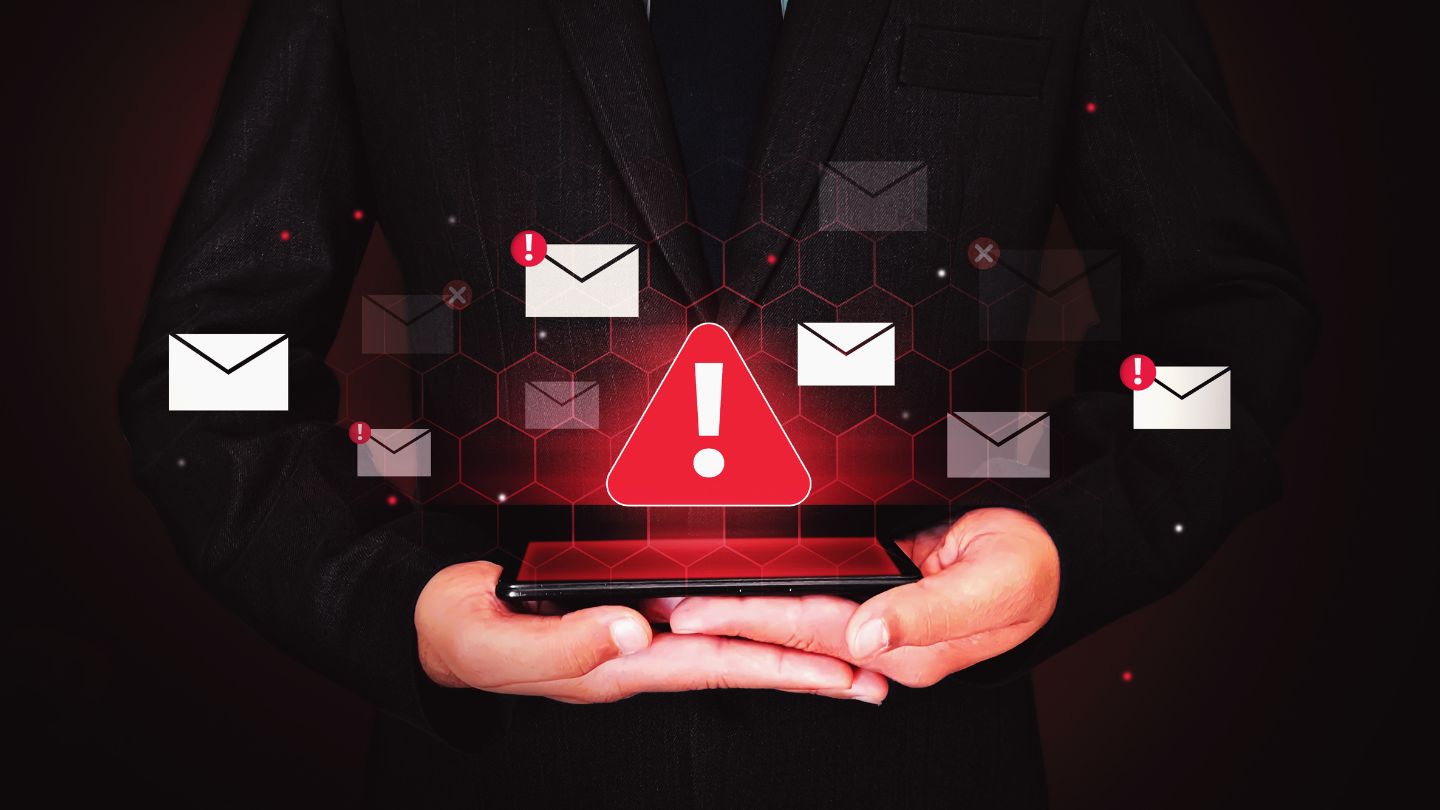
Phishing remains the top cyber threat facing Atlanta’s small businesses. Attackers have moved far beyond obvious Nigerian prince schemes; today’s phishing uses personalized content, AI-generated messages, and even deepfake audio in voice calls. Your employees encounter these threats daily.
Secure email gateways filter malicious content before it reaches inboxes. Configure DMARC, DKIM, and SPF records to prevent email spoofing of your domain. Enable advanced threat protection that sandboxes URLs and attachments to detect malicious software before delivery. These technical controls catch most automated phishing attempts.
Employee training closes the gap that technology can’t fully address. Regular awareness programs that include simulated phishing campaigns teach staff to recognize threats. Focus training on local examples, phishing campaigns specifically targeting Atlanta businesses, so threats feel real rather than abstract. Many breaches begin when a single employee clicks a link that security tools missed.
An encrypted email protects sensitive information in transit. For businesses handling customer data, financial information, or healthcare records, email encryption using TLS, PGP, or S/MIME should be standard practice. Internal communication platforms with end-to-end encryption add another layer of protection.
The Artivion attack likely began with some form of external compromise. While the specific vector isn’t public, most incidents start with phishing. Assuming your business will be targeted and training accordingly is the realistic approach.
Incident Response Planning and Recovery
When a cyber incident occurs, the quality of your response determines the outcome. Businesses with documented incident response plans recover faster, lose less data, and maintain customer trust more effectively than those scrambling to figure things out during a crisis.
Your incident response plan should include clear phases: preparation, identification, containment, eradication, recovery, and lessons learned. Define roles for IT, legal, HR, and communications, and pre-identify forensic specialists you can call immediately. Create playbooks for common scenarios—ransomware, data breaches, insider threats, and DDoS—so the response starts fast and stays coordinated. For a deeper walkthrough, see our guide on how to develop a cybersecurity incident response plan.
Atlanta businesses have local resources to leverage during security incidents. The FBI’s Atlanta field office handles cybercrime investigations. The Georgia Bureau of Investigation maintains a cyber division. For businesses under healthcare regulations, the Georgia Attorney General’s office enforces consumer protection requirements. Know these contacts before you need them.
Business continuity planning keeps operations running during incidents and strengthens your overall cybersecurity and cyber resilience strategy. Establish backup communication channels for when primary systems go down. Identify critical systems that need priority restoration. Plan alternative workflows for customer service and operations. The Fulton County attack showed what happens without continuity planning; phone systems, tax records, and courts remained unavailable for months.
Communication during incidents protects your reputation. Prepare templates for customer notifications, employee updates, and media responses. Transparency matters, but so does accuracy. Avoid speculating about incident details before your team confirms them.
Building a Stronger, Safer Business Future
A comprehensive cybersecurity checklist empowers businesses to stay ahead of evolving threats while protecting critical data and operations. By implementing proactive strategies, maintaining system integrity, and continuously monitoring risks, organizations can reduce vulnerabilities and strengthen resilience, ensuring long-term stability and trust in an increasingly complex digital environment.
IntegriCom delivers reliable cybersecurity services in Atlanta to help businesses protect their systems, reduce risks, and maintain secure operations. We also offer business phone systems, co-managed IT services, managed IT services, and cloud services to support a fully secure and connected infrastructure. Partner with us today to strengthen your cybersecurity, safeguard your data, and keep your business operating with confidence.
Frequently Asked Questions
How much should an Atlanta small business budget for cybersecurity annually?
Small businesses with fewer than 50 employees should budget between $10,000 and $50,000 annually for cybersecurity essentials, firewalls, MFA, antivirus software, backup solutions, and employee training. Medium-sized businesses may need $100,000 to $500,000, depending on industry requirements, especially if handling healthcare data or defense contracts. This investment pales compared to potential losses; Georgia businesses lost over $420 million to cybercrime in 2024 alone.
What are the most common cyber threats targeting Atlanta businesses in 2026?
Expect continued growth in phishing and business email compromise, ransomware and extortion, credential-based attacks using stolen credentials, supply chain compromise targeting vendors, IoT device exploitation, cloud misconfigurations, and AI-enhanced social engineering, including deepfake vishing. Atlanta’s concentration of SMBs and defense contractors makes supply chain attacks particularly relevant, as attackers target smaller vendors to reach larger organizations.
How often should Atlanta businesses review and update their cybersecurity measures?
Conduct comprehensive security reviews annually with vulnerability scans as part of the process. Network and access reviews should happen quarterly. Test incident response plans semi-annually. Emergency reviews become necessary when major vulnerabilities are disclosed (like zero-days affecting common systems), after any security incident, or following significant changes to vendors or infrastructure. Don’t let security reviews become checkbox exercises; they should drive actual improvements.
Are there Atlanta-specific compliance requirements businesses need to consider?
Georgia has data breach notification laws and consumer protection regulations enforced by the Attorney General’s office. Healthcare businesses must comply with HIPAA; financial services with GLBA; payment processors with PCI-DSS. Defense contractors face CMMC requirements with third-party assessments; approximately 4,000 Georgia businesses fall under this mandate. Many Metro Atlanta municipalities now require cybersecurity proof from vendors, including cyber insurance and vulnerability assessments. Georgia Tech recently faced a False Claims Act lawsuit over alleged cybersecurity compliance failures in DoD contracts.
Should Atlanta businesses work with local IT security providers or national companies?
Local providers understand Georgia law, regional threat actors, and local government contracting requirements. They often provide more responsive support and better understand your business needs. National companies bring scale, standardized audits, and global threat intelligence. Many businesses find a hybrid approach works best: a local MSP for day-to-day management plus specialized national vendors for advanced threat detection, penetration testing, or professional assessment. Key factors include responsiveness, certifications (SOC 2, ISO 27001), cost, scalability, and whether you trust them with your sensitive data. Consider these criteria carefully when choosing a managed service provider.
What immediate steps can an Atlanta business owner take today to improve cybersecurity?
Within 24 hours, you can: Enable MFA on all user accounts for email, cloud services, and remote access. Review and remove access for former employees and disable any shared accounts. Verify that at least one recent backup exists in offline or immutable storage, and test restoring a file. Apply any pending security patches, especially for external-facing systems like VPNs and web servers. Send employees a quick phishing awareness reminder with examples of recent local attacks. These practical steps address the most common vulnerability points and significantly reduce your immediate risk.